Sign up for a Campus Tour
We offer a variety of campus tours to fit your needs. Explore our campus and picture your future as a Gator!
Congratulations on your admission to San Francisco State University! Your acceptance should be a source of pride to you and your family. Aside from reaffirming your own achievements, your admission allows you to embark on one of the most rewarding chapters of your life.
Now take a deep breath and take it all in.
Say "YES!" in Three Easy Steps

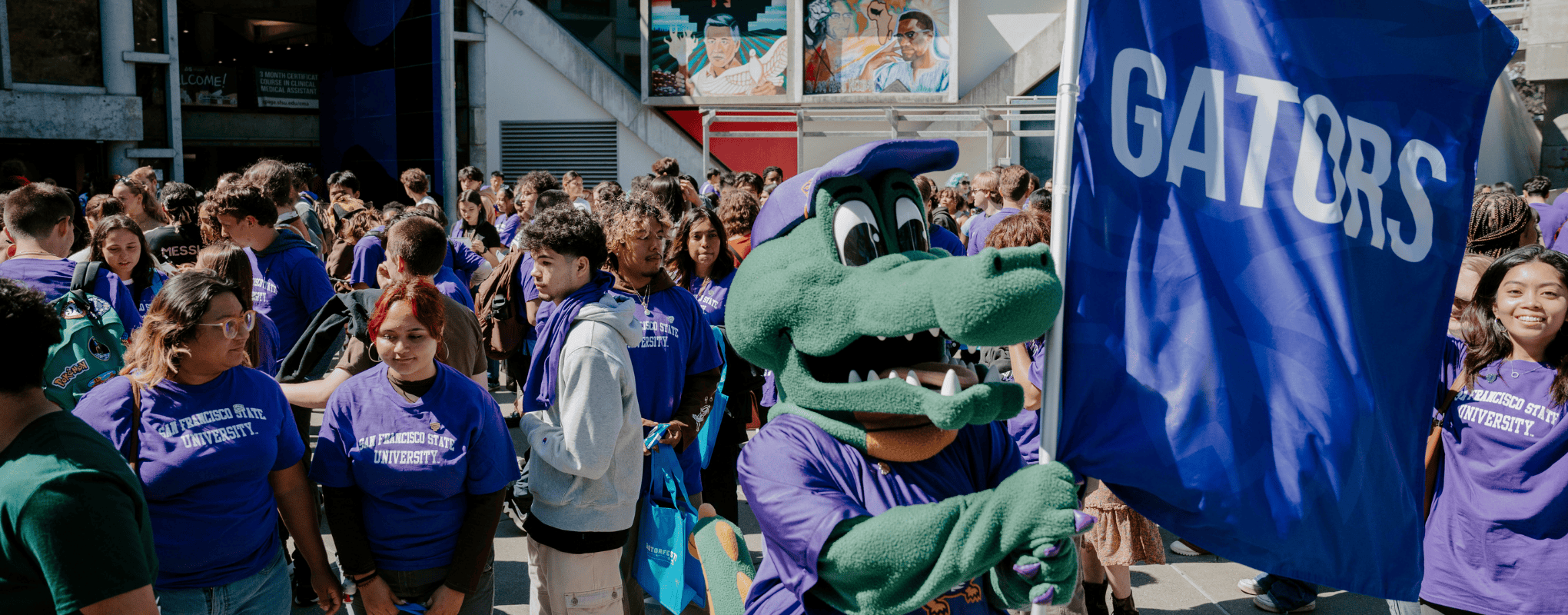
We are thrilled to welcome you to the Gator family.
Complete these three steps as soon as you know that you want to join the SFSU Gator Family and are ready to make it official.
After you've completed your acceptance, be sure to follow the Next Steps checklist to set up your successful future at SFSU.
To accept your offer, you first need to set up your Student Center account with a new password. Make sure you have your student ID number handy provided in your acceptance notice. You’ll need it.
Now you can finally accept your admission offer!
- Log into gateway.sfsu.edu. Under the LaunchPad, click on the Student Center button.
- Once in your Student Center, go to the Admissions section and under the My Applications box, click Accept or Decline and ACCEPT YOUR OFFER!
- When prompted, pay the non-refundable $100 deposit, which is applied to your first-semester tuition (unless eligible for an automatic waiver). Select the type of payment and complete the payment process. Make sure you don’t have pop-ups blocked on your browser, or you won’t be able to complete payment.
- Your Student Center will automatically update with your acceptance status.
File the FAFSA or CADAA by the priority deadline for maximum financial aid. Shortly after you apply, your financial aid offer will be emailed to you and ready to review in your Student Center.
Your offer of Conditional Admission is based on the information you reported in your Cal State Apply admission application. We will need to confirm that you reported accurately in your application and that you are on track to complete all admission requirements.
Submit current official transcripts from each institution attended so that we can confirm your offer.
-
Spring 2027 Admitted Students:
- Official college transcripts should include grades earned through Summer 2026 and any in-progress Fall 2026 courses. Check your To Do List in the SF State Gateway for more detailed information about which documents are needed and the due date.
- Official high school transcripts should include all of your grades and your date of graduation.
-
Fall 2027 Admitted Transfer Students:
- Official college transcripts should include grades earned through Fall 2026 and any in-progress Spring 2027 courses. Check your To Do List in the SF State Gateway for more detailed information about which documents are needed and the due date.
- Official high school transcripts should include all of your grades and your date of graduation.
How to Send Transcripts:
Your school(s) may be able to send official transcripts through a secure electronic service, like EDI or Parchment, which is preferred. If not, please provide them with the mailing address below. Transcripts sent as email attachments or uploaded to the document submission portal are not considered official.
Undergraduate Admissions and Recruitment
San Francisco State University
1600 Holloway Avenue
San Francisco, CA 94132
For more information about how to submit transcripts and how to view your To Do List, visit the Submitting Transcripts page.
Having problems or need help troubleshooting? Try following our step-by-step guide or watch the Accept Admissions Offer video. Our admission reps can guide you through the process. Feel free to contact them by phone at (415) 338-6486 or by email at ugadmit@sfsu.edu.
Be Sure to Follow our Next Steps to Prepare for Your First Semester
Now that you have committed to SFSU by submitting your official transcripts and accepting your admission offer, follow the steps below to get ready for your first semester.